Integrating Security Camera Alerts into Procore: The 2026 Site Manager’s Guide
What if your project management software could see exactly what happens on-site the moment it occurs, without you ever leaving the platform? By integrating security camera alerts into Procore, you stop chasing notifications across multiple apps and start managing your site with total visibility. It's a shift from reactive monitoring to proactive site management that saves time and reduces risk.
You're likely familiar with the friction of app fatigue. Constantly switching between surveillance feeds and project schedules wastes time and often leads to delayed responses when a security breach or safety incident occurs. Manual logging of these events is a burden your team doesn't need. This guide shows you how to centralize your surveillance by syncing real-time solar camera tower alerts directly into your Procore dashboard. We'll explore how automated logging and AI-driven alerts create a single source of truth that protects your project, streamlines your documentation, and ensures your site remains a high-performance environment. You'll learn how to turn your job site surveillance into a powerful, integrated asset for your entire project team.
Key Takeaways
- Discover the operational efficiency gained by integrating security camera alerts into Procore, eliminating the need to toggle between disconnected monitoring apps and project data.
- Learn how to automate site documentation by linking high-definition video evidence directly to project milestones and daily logs for a verifiable record of progress.
- Explore how AI-driven analytics, such as PPE detection and License Plate Recognition, trigger immediate safety observations and delivery logs within your project environment.
- Understand the technical workflow for configuring webhooks and marketplace apps to transform motion-triggered surveillance alerts into actionable Procore observations.
- Identify why hiring Procore-compatible solar surveillance towers provides the flexibility and technical support required for temporary construction projects without the burden of hardware ownership.
The Value of Centralising Surveillance: Why Integrate with Procore?
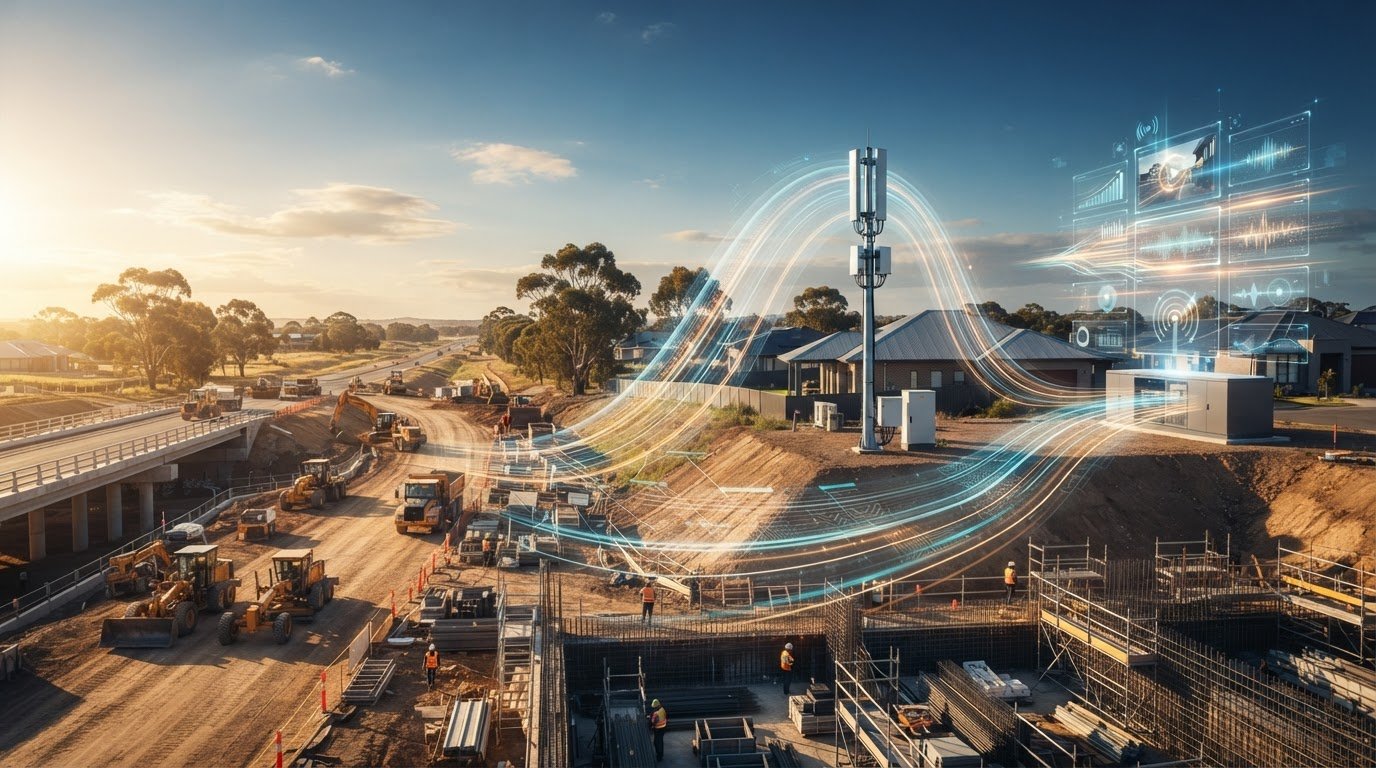
Centralising surveillance data transforms a job site from a series of disconnected events into a streamlined data stream. When you stop treating your visual data as a separate entity, you eliminate the silos that traditionally plague large scale developments. Effective Construction management relies on accurate, timely information. Integrating security camera alerts into Procore ensures that visual evidence resides exactly where your team spends its day. This move reduces administrative friction by automating the documentation of site events. It turns what used to be a manual logging task into a hands-off process. By bringing real-time visual feeds into the primary project environment, you provide stakeholders with peace of mind through constant visibility and transparency.
The End of App Fatigue
Site managers often suffer from notification overload. Switching between dedicated surveillance apps and your project management platform leads to missed alerts and fragmented communication. Consolidating these streams into a single interface allows for faster decision-making on-site. Field supervisors can verify a delivery or a safety breach without closing their active Procore task. Corporate executives gain remote accessibility to the same data, ensuring everyone operates from the same set of facts. This unified interface removes the technical barriers that often prevent site data from being used effectively across different levels of the organisation.
Surveillance as a Project Management Asset
Modern site oversight in the Australian sector has evolved beyond simple theft prevention. While security remains vital for protecting high value assets, the true value lies in operational oversight. Integrating security camera alerts into Procore turns your solar site cameras into active project management tools. High definition visual alerts provide immediate context to daily logs. If a material delivery is delayed or a weather event halts progress, the visual record is already there. It is timestamped and linked to the schedule. This strengthens professional responsibility and ensures a high level of technical pride in the work being documented. It also serves as a powerful asset for professional storytelling, allowing you to celebrate the project's long term legacy with clear, documented progress.
The transition to an integrated model means your surveillance hardware works as an extension of your team. Automated logging of security events ensures that no incident goes unrecorded. This level of detail is essential for resolving disputes and maintaining a single source of truth for all site data. By choosing to hire Procore-ready solar surveillance towers, you ensure your project benefits from the latest technical standards without the logistical burden of managing complex hardware installations yourself.
How to Integrate Your Security Camera Alerts into Procore
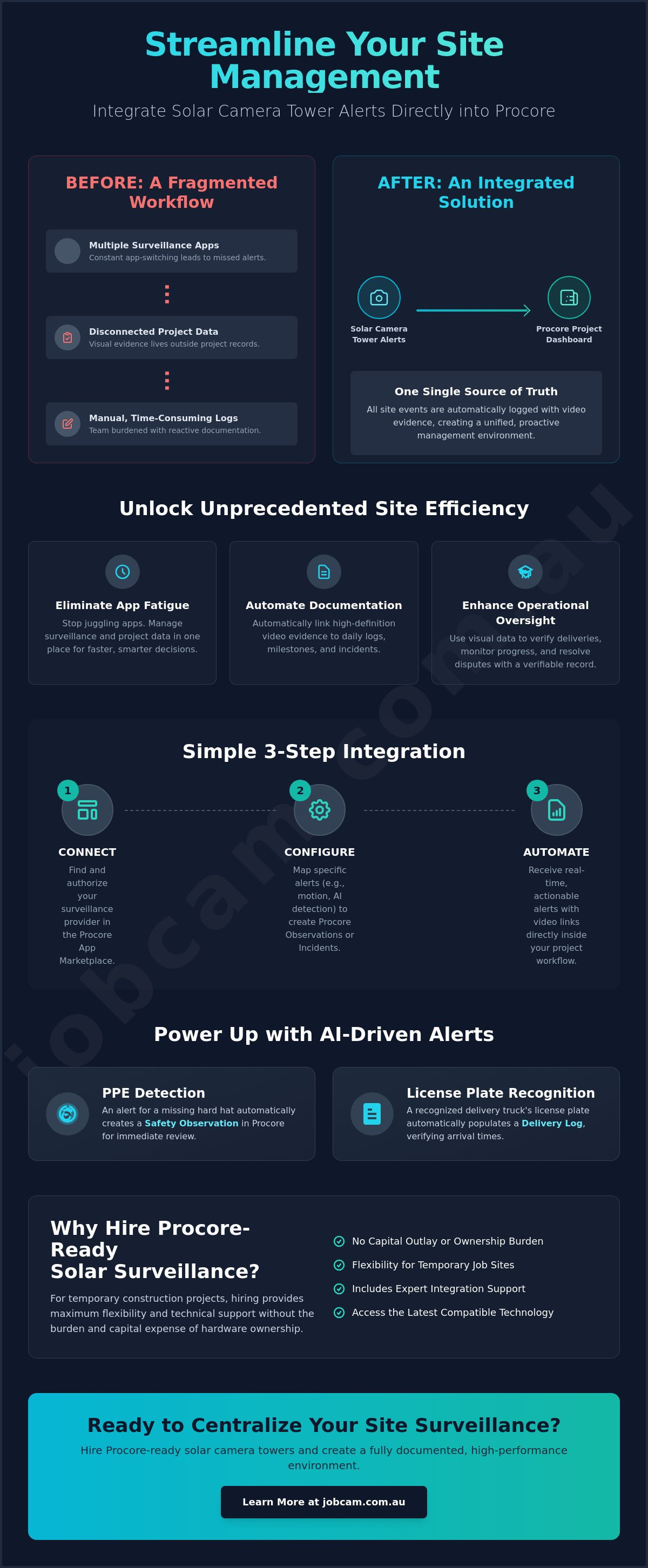
Integrating security camera alerts into Procore requires a structured technical workflow. It isn't just about viewing a live feed; it's about high-level data synchronisation. You'll connect your cloud-based surveillance directly to the Procore API to ensure seamless communication between the job site and your project management environment. This process eliminates manual data entry and ensures that every motion-triggered event is logged instantly without human intervention.
Accessing the Procore App Marketplace
Start by navigating to the Procore App Marketplace within your account. Search for compatible surveillance integrations that support cloud-to-cloud functionality. Once you've identified the right integration, you'll need to authorise third-party access. This step is secure and ensures that your project data remains protected while allowing the camera system to push notifications. Most modern solar site cameras designed for hire are built with this specific compatibility in mind, making the initial handshake straightforward.
Mapping Alerts to Specific Procore Tools
Configuration is key to making the data useful. You can direct specific motion alerts to the "Observations" or "Incidents" tool based on the event's severity. For instance, a person detected after hours might trigger a security incident, while a worker without a helmet could trigger a safety observation. This level of automation supports OSHA safety and health programs by providing a clear, visual record of compliance. You should also automate the upload of incident footage to the "Photos" album for long-term documentation. Custom notification rules allow you to alert field supervisors for minor issues while escalating critical breaches to corporate executives immediately.
To complete the setup, you'll use the Jobcam platform to link your surveillance towers to specific Procore project IDs. This ensures that alerts from a specific camera always land in the correct project dashboard. Enter your Procore credentials into the Jobcam interface and select the corresponding project from the dropdown menu. It's a precise mapping that keeps your data organised across multiple sites. Once the mapping is saved, you must verify the connection through a test alert sequence. Trigger a deliberate motion event in front of the camera and confirm that a new observation appears in your Procore dashboard within seconds. This validation step guarantees that your automated logging is functional before your project hits its most high-intensity phases. If you're looking to streamline your site oversight, choosing to hire temporary site security cameras that are pre-configured for Procore is the most efficient path forward.
Automating Security Event Workflows for Job Sites
Automation replaces the need for constant manual oversight. Integrating security camera alerts into Procore turns your surveillance into a tireless site clerk. When a solar camera tower detects movement, it doesn't just ping a phone; it can create a timestamped entry in your Procore site diary. This ensures that every significant event, from late-night deliveries to unexpected visitors, is documented without a manager having to type a single word. Linking this high-definition video evidence to specific project milestones provides a visual audit trail that is invaluable for progress reporting and dispute resolution.
Data resilience is a core part of this technical standard. By utilising AWS cloud storage, your footage remains accessible within the Procore environment even if the physical camera tower is damaged or vandalised on-site. This decoupling of hardware and data ensures your "After Hours" alert profiles remain functional and secure. When your site is closed, these profiles can be configured to notify designated security teams directly through the Procore platform, ensuring a rapid response to any breach. It's a level of organization that mirrors a well-run operation, providing quiet confidence to project leads.
Real-Time Risk Mitigation
Integrated alerts significantly reduce the "time to discovery" for site damage or theft. Instead of finding out about a broken fence or missing materials the next morning, automated alerts identify unauthorised site access immediately. This real-time visibility allows for instant intervention, potentially preventing a minor incident from becoming a major project delay. It also creates a robust digital paper trail for insurance and compliance purposes. Having a clear record of when an incident occurred and who was involved simplifies the claims process and demonstrates professional responsibility to all stakeholders. Integrating security camera alerts into Procore ensures this trail is stored alongside your other vital project records.
Cloud-Stored Evidence Management
Reliable alert transmission depends on high-performance connectivity. Our systems utilise Telstra 4GX connectivity to ensure that high-resolution video clips reach the cloud without delay. Storing this visual data on secure AWS servers allows for instant retrieval within Procore, providing a seamless user experience. We manage data usage by prioritising high-resolution clips for alert events while maintaining efficient storage for routine monitoring. This balance ensures you always have the clarity you need for critical incidents without overwhelming your project's data limits. Choosing to hire solar site cameras with these integrated cloud features provides the technical pride and reliability required for complex developments.
Advanced AI Alerts: PPE Detection and LPR Integration
AI-driven analytics represent a functional shift in site oversight. Integrating security camera alerts into Procore using advanced AI turns visual data into actionable safety and logistical insights. This isn't about simple motion detection. It's about the system's ability to recognize specific objects and behaviors in real time. By automating these visual inspections, you significantly reduce the administrative burden on site managers. They no longer need to spend hours reviewing footage or manually logging minor infractions. The system does the work, allowing project leads to focus on high-impact decision making and complex problem solving.
Automated Safety Compliance
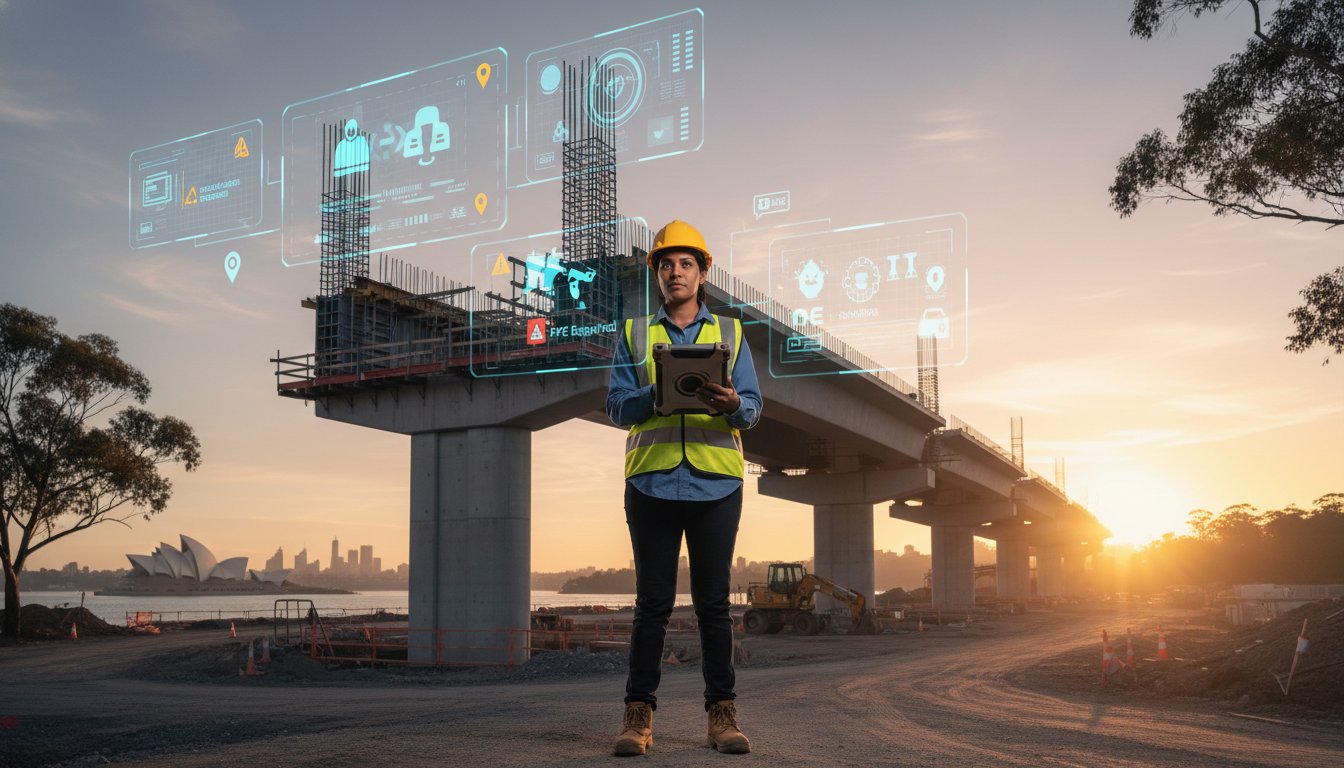
PPE detection cameras identify when workers enter high-risk zones without essential gear like helmets or high-vis vests. These events trigger an automatic "Safety Observation" within your Procore dashboard. This happens instantly. It provides a real-time snapshot of site-wide compliance that field supervisors can address immediately. Over time, this data populates your Procore safety dashboard. This allows you to identify trends and specific areas where additional training might be required. It's a proactive approach to risk management that ensures everyone stays safe while maintaining a high level of technical pride in the project's execution.
Logistics and Vehicle Tracking
License Plate Recognition (LPR) cameras provide a similar level of automation for site logistics. When integrating security camera alerts into Procore, you can link LPR data directly to your delivery schedule. This automates site entry and exit logs for contractors and high-value machinery. It enhances site accountability. You'll know exactly when a concrete pour arrived or when a hired excavator left the site. These logs are stored within the project environment, providing a single source of truth for delivery verification and billing disputes. It's a precise, no-nonsense extension of your project team that ensures total visibility over every vehicle movement.
If you want to enhance your site's safety and logistical precision without adding to your team's workload, choosing to hire specialized AI-powered towers is the logical step. You gain the benefits of advanced technology with the flexibility of a rental model. Hire PPE detection cameras to automate your site safety monitoring and streamline your Procore workflows today.
Hiring Procore-Ready Surveillance: Choosing the Right Hardware
Selecting the right hardware is just as critical as the software integration itself. For most construction projects, the hire model is superior to purchasing equipment. Ownership brings long term maintenance costs and the risk of technical obsolescence. When you choose to hire, you ensure your site is always equipped with the latest technical standards. This is vital when integrating security camera alerts into Procore, as the hardware must reliably support the specific API requirements and data loads of a modern project dashboard. Hiring provides a flexible, scalable solution that adapts to the physical reality of your work environment.
Solar Towers vs. Fixed Cameras
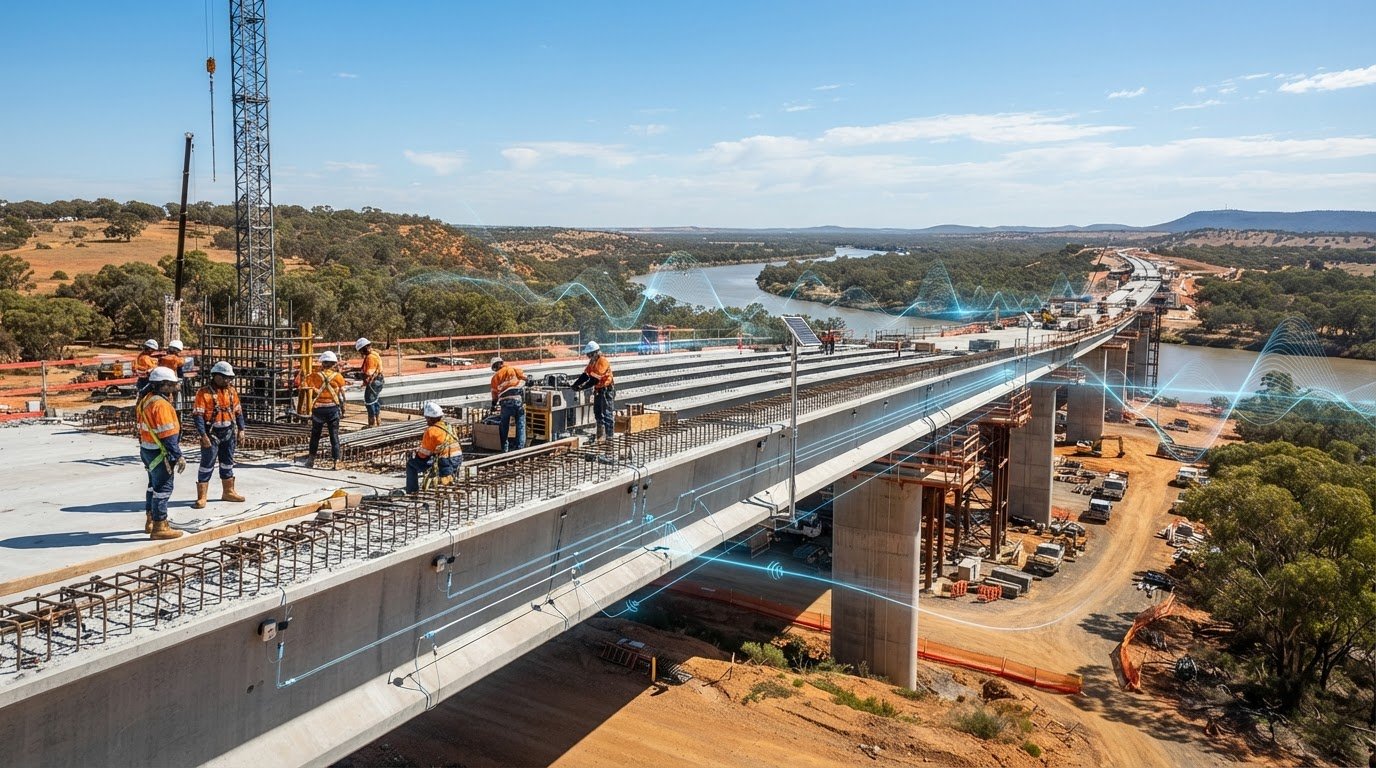
Autonomous solar towers are essential for remote or evolving sites where grid power is unavailable. Unlike fixed cameras that require extensive cabling and permanent mounting, solar towers are completely self-powered. They cause zero site disruption during deployment. You can relocate these mobile units as your site boundaries change or as the project moves into different phases. This mobility ensures that your "Observations" in Procore always come from the most relevant vantage points. Choosing to hire solar site cameras gives you the freedom to maintain total visibility without the constraints of fixed infrastructure.
The Managed Service Advantage
A successful integration isn't just about the initial connection. It requires continuous uptime and technical oversight. Hiring includes professional maintenance and monitoring, ensuring that your hardware remains functional in harsh industrial conditions. Managed services provide the technical backbone for integrating security camera alerts into Procore, handling the complex configuration of webhooks and notification rules on your behalf. This allows your team to focus on construction while we ensure the data flows correctly. Professional installation guarantees that towers are positioned for maximum coverage and optimal signal strength.
Reliability across broad geographical areas is a non-negotiable requirement for large scale developments. Our towers utilise managed Telstra 4GX connectivity to provide a stable link between the site and the Procore platform. This ensures that high-resolution alert clips are transmitted instantly, regardless of your site's location. By opting to hire temporary site security cameras, you gain a tech-savvy partner dedicated to your project's success. You receive a premium service that treats surveillance not just as a monitoring tool, but as a powerful asset for professional site management and documentation. It's a no-nonsense approach that delivers peace of mind through constant, reliable visibility.
Secure Your Project’s Visual Legacy
Integrating security camera alerts into Procore transforms raw visual data into a strategic project asset. You've seen how centralising your surveillance feeds eliminates app fatigue and how AI-driven PPE and LPR detection automate your safety and logistics logs. These technical standards ensure your site remains a high-performance environment with a single source of truth for every stakeholder. It's a shift from reactive monitoring to proactive project leadership that protects both your site and your schedule.
Our managed rental model provides the technical pride and reliability your project deserves. We support your operations with high-speed Telstra 4GX connectivity and secure AWS cloud storage, ensuring your data is always accessible when you need it. From managed national installation to ongoing technical support, we act as an essential extension of your own team. Our specialised construction AI is purpose-built to handle the logistical challenges of complex developments. Take control of your site’s data today.
Request a Procore-ready solar camera hire quote for your next project and experience total visibility. We look forward to helping you document your project’s long-term success with confidence and precision.
Frequently Asked Questions
Do I need a special Procore license to integrate security cameras?
No, you don't need a specific license tier for integration, but you must have the authority to manage the Procore App Marketplace. Since Procore’s pricing model is based on Annual Construction Volume (ACV) rather than per-user fees, the integration is typically managed through your third-party surveillance service provider. It’s a straightforward process that allows your existing project environment to communicate with our solar camera towers.
Can I receive camera alerts on the Procore mobile app?
Yes, all alerts appear as push notifications within the Procore mobile application. Integrating security camera alerts into Procore ensures that field supervisors receive immediate updates for safety observations or security breaches directly on their devices. This eliminates the need to switch between different surveillance apps and allows for faster decision-making while on the move across the site.
What happens to the integration if the site loses 4G connectivity?
Our solar towers are equipped with local edge storage to ensure continuity during signal drops. If the Telstra 4GX connection is temporarily interrupted, the tower continues to record and store footage internally. Once the connection is restored, the system automatically syncs all pending alerts and data to the AWS cloud and your Procore dashboard without any manual intervention.
Can I link a specific camera alert to a Procore "Observation" manually?
You can manually attach high-definition clips or images to any project record at any time. While the system is designed to automate this process, site managers often find it useful to link specific visual evidence to pre-existing daily logs or coordination issues. This provides clear visual context for disputes or progress meetings, strengthening the professional responsibility of the team.
Is the video footage stored in Procore or on the camera’s cloud?
The high-resolution video footage is stored on secure AWS cloud servers rather than within Procore itself. Procore acts as the centralised interface, displaying the alert data and providing a secure link to the visual evidence. This technical setup ensures that your project management platform remains fast and responsive while your visual data is kept secure and accessible for retrieval.
Does integrating security cameras into Procore use a lot of data?
Data usage is highly optimised to prevent site communication bottlenecks. The system is configured to only transmit high-resolution video clips when a specific alert is triggered. Integrating security camera alerts into Procore in this way ensures that you have the clarity needed for critical incidents without overwhelming your site’s bandwidth or incurring unnecessary data costs during routine monitoring.
Can I integrate multiple camera towers into a single Procore project?
You can link an unlimited number of solar surveillance towers to a single Procore project ID. Each unit is mapped within the Jobcam platform to ensure that alerts from various site boundaries all land in the correct project dashboard. This provides total visibility across expansive developments, allowing you to manage a unified security ecosystem from one location.
How far back can I access recorded footage through the Procore interface?
The retention period for your footage is determined by your specific hire agreement. Most site managers opt for a duration that covers the entire project lifecycle, ensuring that all alert-triggered entries and visual records are available for final handovers. This long-term accessibility is vital for resolving late-stage disputes and documenting the project’s long-term legacy.