Construction Site Camera Hire: Pro Security Solutions
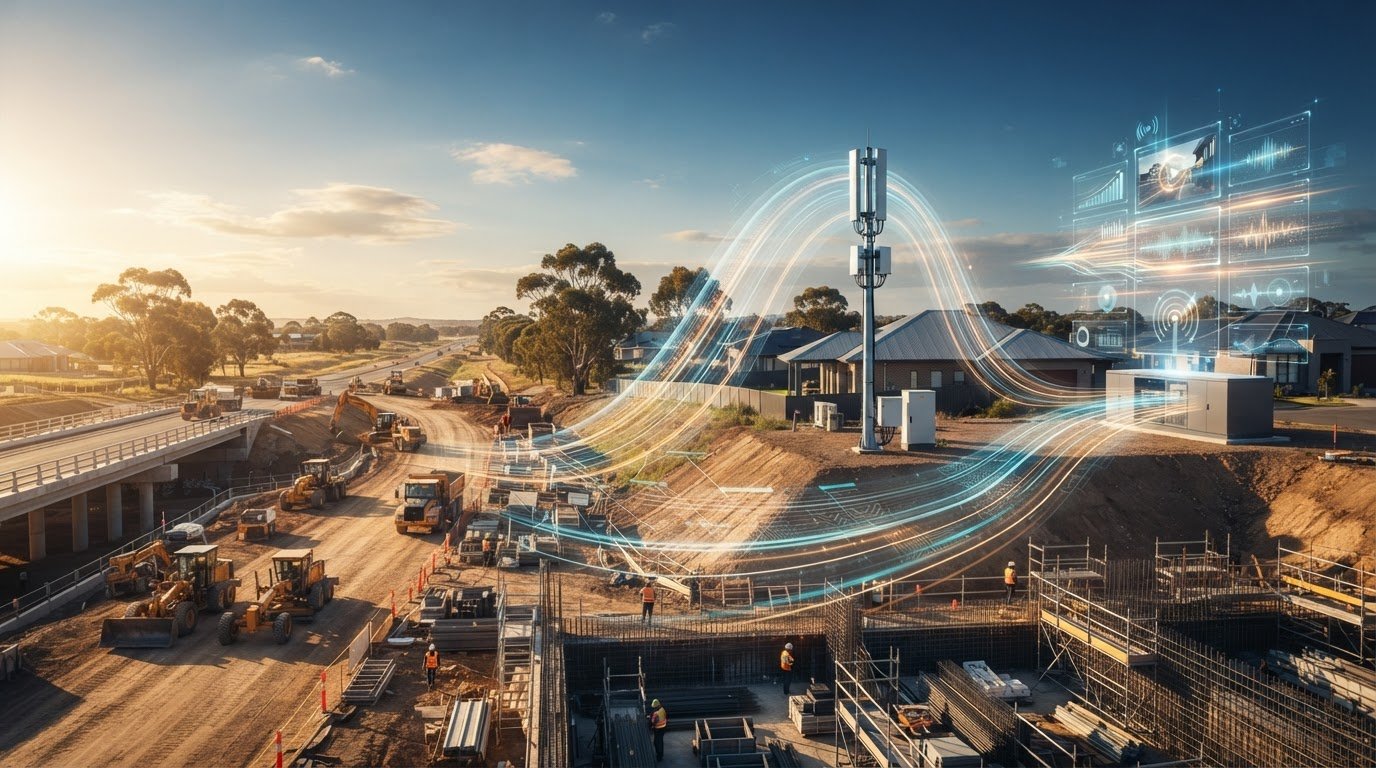
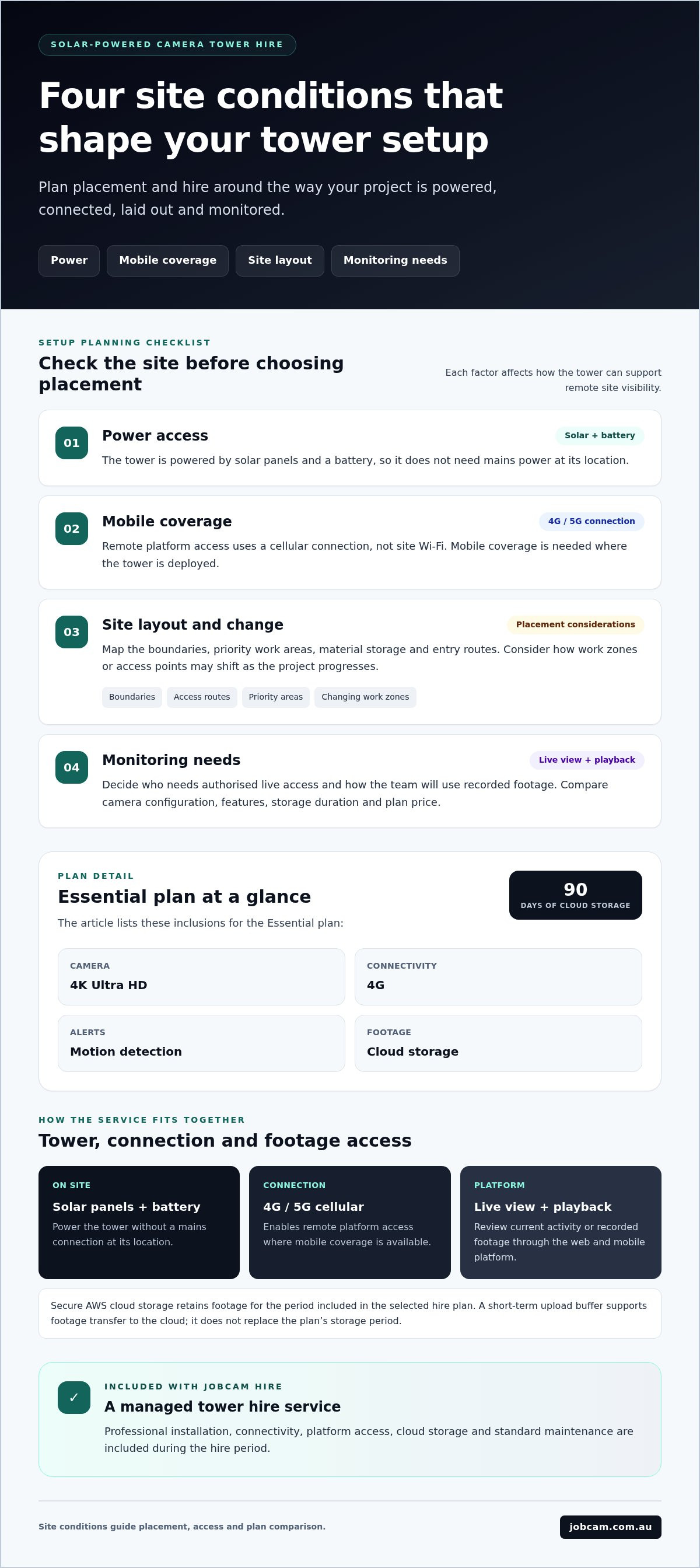
A camera tower is useful when it can view the right areas and stay connected as the site changes. For construction site camera hire, start with the project conditions: power access, mobile coverage, site layout and the level of monitoring your team needs.
Before arranging hire, it helps to understand how a tower will operate on an active or remote site, what installation involves and what support is included. Solar and battery power mean no mains power is required. The 4G/5G connection provides remote access where mobile coverage is available, with no Wi-Fi needed. Installation, connectivity, secure cloud storage and standard maintenance are part of Jobcam’s hire service.
This guide explains how solar-powered camera towers support remote site visibility and what to compare across coverage, monitoring, storage and plan inclusions. You’ll also learn how to match a tower configuration and hire plan to your project, then plan a deployment around your site’s layout and changing conditions.
Key Takeaways
- Match tower placement to the project layout, access routes and changing boundaries to maintain useful site visibility.
- Compare Essential, Professional and Enterprise plans by camera configuration, features, storage duration and price. Essential includes a 4K Ultra HD Camera, 4G connectivity, motion detection alerts and 90-day cloud storage.
- For construction site camera hire nsw, consider mobile coverage and priority viewing areas when planning deployment.
- Use JobCam’s Free Site Assessment and Free Quote to plan a tower setup around your project.
- JobCam hire includes professional installation, connectivity, cloud storage and standard maintenance, with no hidden fees and no long-term lock-in.
Why construction site camera hire needs to fit the realities of your project
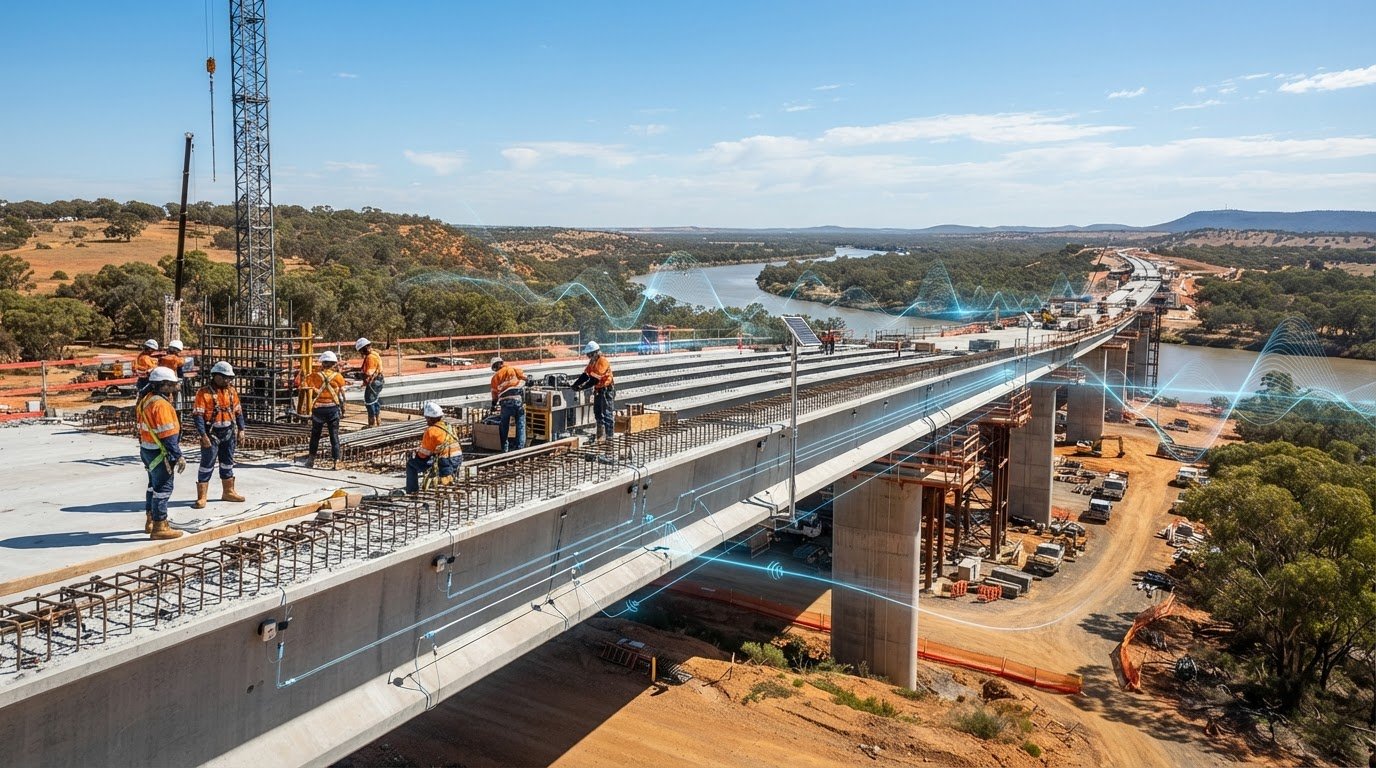
Work continues after the site team leaves. Materials may remain in place, access points can change and activity moves across areas that supervisors can’t watch in person. A solar-powered camera tower provides remote visibility of activity in its camera view. The setup should reflect the site’s current needs, without assuming that monitoring will prevent every incident.
For construction site camera hire nsw, begin with the project itself. A compact site with one main access route has different placement needs from a large civil works project with several work zones and changing boundaries. Project duration matters too: longer projects may move through multiple stages, while shorter works may concentrate activity in a smaller area.
What construction camera tower hire provides
Hire gives your project access to solar- and battery-powered camera tower equipment and supporting services throughout the hire period. Professional installation, connectivity, platform access and standard maintenance are included. The tower is a managed hire service, not a standalone unit, and it doesn’t need mains power at its location.
Remote monitoring supports two ways to review activity. Live viewing lets authorised users check what’s happening in the camera’s view. Recorded footage lets them look back at earlier activity. Consider who needs live access and how your team will use playback when choosing a plan and setting up platform access.
Which project conditions should shape the setup?
Start by identifying site boundaries, high-priority work areas and likely layout changes. Consider where materials are stored, where vehicles and workers enter, and which zones will shift as construction progresses. These details help guide tower placement and viewing angles, and show whether the setup may need to adapt during the project.
The system uses 4G/5G connectivity rather than site Wi-Fi, so mobile coverage is important for remote access. Cameras work anywhere with mobile coverage, with no Wi-Fi needed. A site assessment connects your project map to practical placement decisions, such as which areas a tower can view and whether changing access routes could affect that view.
A camera tower is one part of a wider site plan. Construction work involves changing hazards and operating conditions, as outlined in this general overview of construction site safety. Remote visual monitoring can support awareness of site activity, but it doesn’t replace on-site supervision or other project safety measures.
Before arranging hire, bring together the current site plan, access points, priority areas and expected changes. This gives the assessment a useful starting point and helps shape a setup around the project, rather than relying on generic placement assumptions. Explore construction site camera options designed for project monitoring.
How solar-powered camera towers deliver remote site visibility
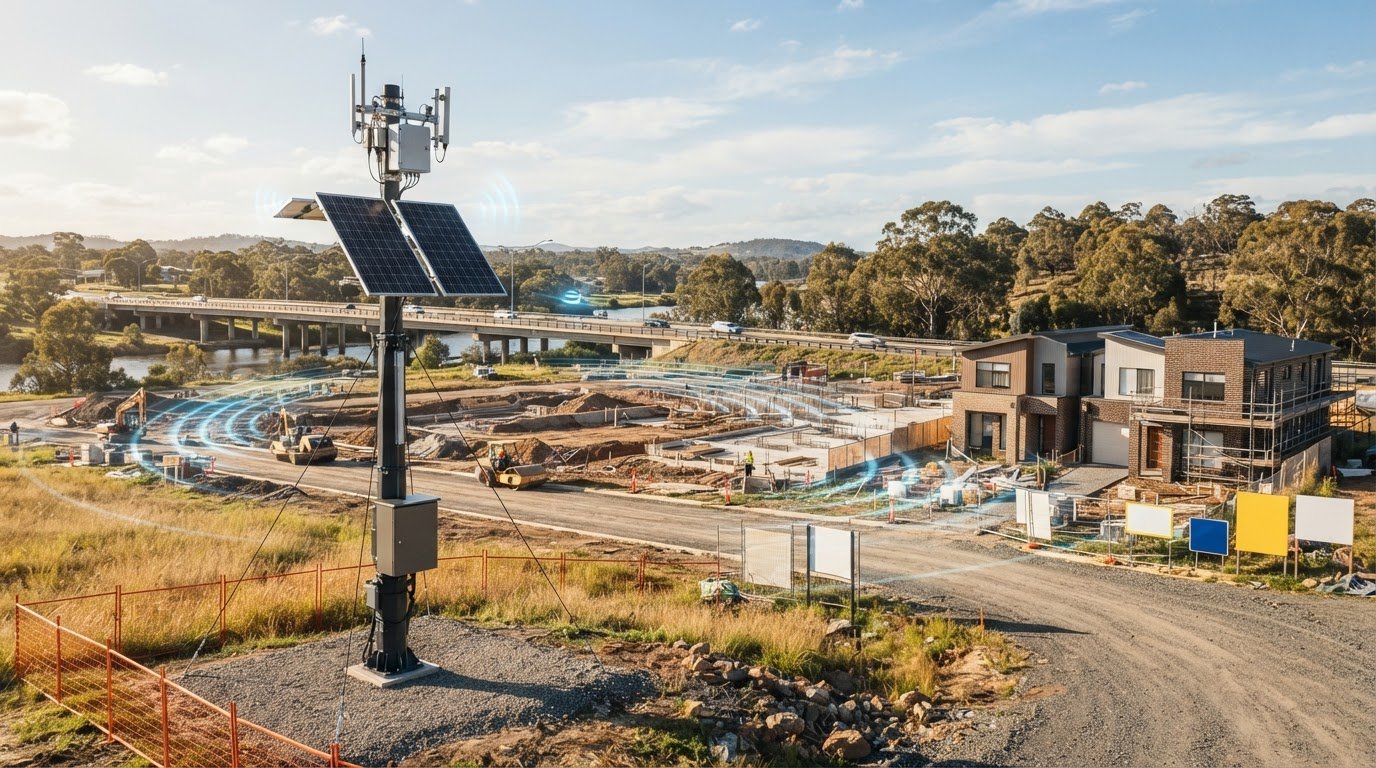
A solar-powered camera tower captures site footage and sends it through a cellular connection to a cloud platform. The camera captures activity, solar panels and a battery power the tower, and 4G/5G connectivity enables footage transfer and platform access beyond the site. Together, these components allow remote viewing without mains power or site Wi-Fi.
For construction site camera hire nsw, it helps to understand that power, connectivity and footage storage are separate parts of the system. Knowing how they work together makes it easier to plan for remote visibility without relying on services from a nearby building.
Power and connectivity without mains power or Wi-Fi
Solar panels and a battery power the tower, so it doesn’t need a mains connection at its location. The 4G/5G connection links the tower to the monitoring platform, enabling remote live viewing and platform use without site Wi-Fi.
Mobile coverage is needed for the cellular connection. Where coverage is available, authorised users can access the platform remotely. This makes coverage a practical consideration when planning a tower for a remote or changing project site.
Live viewing, alerts, and securely stored footage
Users can view activity live or play back recorded footage through the web and mobile monitoring platform. Live viewing provides a current view from the camera, while playback lets users review earlier footage. Secure AWS cloud storage retains footage for the period included in the selected hire plan.
A short-term upload buffer supports the transfer of footage to the cloud. It complements cloud storage rather than replacing the storage period associated with the plan. Understanding this distinction helps teams plan how they’ll access footage at each stage.
Smart motion detection with AI filtering reduces false alarms, helping make alerts more useful for site teams. It doesn’t mean every alert will be relevant or every event will be detected. Alerts provide another way to draw attention to activity and review what the camera has captured.
These functions connect with wider uses of technology for construction safety, where digital tools can support awareness of site conditions. JobCam’s remote monitoring cameras bring live viewing and footage playback together through a connected platform. Consider mobile coverage and monitoring needs alongside the camera configuration when planning a tower hire.
Compare construction site camera hire plans and tower configurations
Plan choice affects the camera configuration, connectivity, monitoring features and footage storage period. For construction site camera hire nsw, compare those details with your project’s visibility priorities instead of treating the tiers as interchangeable. The table shows the main differences between plans.
| Plan | Camera configuration | Connectivity | Detection and monitoring | Cloud storage | Price |
|---|---|---|---|---|---|
| Essential | 4K Ultra HD Camera | 4G | Motion detection alerts | 90 days | From $90 AUD per week per tower |
| Professional | Dual 4K Ultra HD Camera | 4G/5G | AI motion detection and live streaming | 1 year | From $120 AUD per week per tower |
| Enterprise | 4K Ultra HD plus PTZ cameras | 4G/5G, with optional Starlink communications | AI analytics and safety monitoring, with 24/7 professional monitoring | Up to 5 years | Custom pricing |
Every plan includes professional installation by certified technicians, unlimited 4G cellular data, secure AWS cloud storage, web and mobile monitoring platform access, automated motion detection alerts and standard maintenance throughout the hire period. Other features vary by tier, so check the plan details against your project’s requirements. Enterprise also includes Priority Support & SLA.
How the three hire tiers differ
Essential combines one 4K Ultra HD Camera with 4G connectivity, motion detection alerts, mobile app access, time-lapse, a multi-site dashboard, email support and 90-day cloud storage. It starts from $90 AUD per week per tower.
Professional includes a Dual 4K Ultra HD Camera, 4G/5G connectivity, AI motion detection, live streaming, time-lapse, a multi-site dashboard, phone and email support, and 1-year cloud storage. It starts from $120 AUD per week per tower.
Enterprise includes 4K Ultra HD and PTZ cameras, 4G/5G connectivity, optional Starlink communications, AI analytics and safety monitoring, 24/7 professional monitoring, time-lapse with branded videos, a dedicated account manager, priority support and SLA, and a multi-site dashboard. It has custom pricing and includes up to 5-year cloud storage.
Storage duration can shape how footage fits your review process. A project that needs a longer reference period may call for a different plan from one with shorter-term review needs. AI filtering can reduce false alarms, but it shouldn’t be treated as perfect detection.
Choosing a single or double camera tower
JobCam offers a Single Camera Tower and a Double Camera Tower. A single-camera setup may suit a project focused on one priority viewpoint. A double-camera setup may be useful when teams need to observe distinct areas or perspectives from a tower. The right view depends on placement and site layout, so neither configuration guarantees coverage of a particular area.
Map key viewpoints before choosing. Consider whether one camera view aligns with the priority area or whether separate views better suit the site’s access points and active zones. JobCam can match construction site camera hire to the required configuration, features and storage needs.
Plan a construction camera tower deployment around the site
A useful deployment plan starts with the worksite, not the tower. Map what needs to be visible, note how the project may change, and consider mobile coverage before discussing placement. This gives the Free Site Assessment a practical foundation and helps align the camera configuration with the way the site operates.
- Map priority areas. Mark key work zones, material storage areas and access routes on a current site plan. Note which views matter most to project leads.
- Identify likely changes. Record planned stages, temporary access points and boundary changes that could affect the camera’s view during the hire period.
- Consider mobile coverage. The tower uses 4G/5G connectivity, so mobile coverage matters for remote access. Include known coverage constraints in the deployment discussion.
- Request an assessment. Use the site details to discuss tower configuration, placement and installation planning through JobCam’s Free Site Assessment.
Boundaries and access routes influence placement because they help identify where activity is likely to occur and which viewpoints are useful. For example, a gate that moves during a project may change the area a tower needs to observe. Share these details early so placement discussions account for current conditions and anticipated changes.
Prepare for the Free Site Assessment
Bring the project scope, relevant site plans, access details and expected layout changes to the assessment. Highlight priority areas and any boundaries or entry routes that may shift. This information helps JobCam align the tower configuration and proposed placement with your project’s visibility needs, rather than treating the site as a fixed layout.
Mobile coverage is another useful part of the discussion. If you know of areas where reception may be limited, point them out alongside the proposed tower location. This helps inform placement planning around site conditions without assuming that connectivity is identical everywhere.
Plan for installation and changing site conditions
Professional installation and commissioning are included in the hire service. JobCam offers a 48-hour install, with deployment planning shaped by site access, layout and project requirements.
As work progresses, boundaries and access routes may change. JobCam provides relocation support when construction site boundaries shift, helping keep tower placement aligned with the evolving site plan. Include expected changes in the initial discussion so the team can plan for adjustments instead of treating the first layout as permanent.
Factor the project scope, mobile coverage and expected changes into the assessment discussion. Then match the hire plan to your site’s visibility priorities. Arrange a Free Site Assessment and Free Quote with JobCam to plan a deployment around your project.
Arrange construction site camera hire with Jobcam
JobCam brings the camera tower and its supporting services together in one hire arrangement. The service includes equipment, professional installation, connectivity, cloud access and standard maintenance, giving project teams a clear path from assessment to remote site visibility. For construction site camera hire nsw, this managed approach lets project requirements shape the setup, while ongoing support remains part of the hire.
JobCam’s hire terms include no hidden fees, no long-term lock-in and month-to-month hire after the minimum term. JobCam has deployed 2,500+ cameras nationwide and reports a 98% client retention rate. These figures offer context on its experience supporting projects across Australia.
What happens after requesting a quote?
The Free Site Assessment helps inform a proposed camera tower setup and project-specific quote. Sharing the project scope, relevant site plans, priority areas and anticipated layout changes gives the assessment a practical starting point. JobCam uses these requirements to shape the tower configuration and placement discussion.
Once the setup is agreed, the next steps are arranging professional installation and access to the monitoring platform. Connectivity and cloud access are part of the hire service, allowing the project team to view and review site activity through the platform. The proposed setup is based on the project’s requirements.
Why construction teams hire JobCam
JobCam describes itself as “Australia’s #1 Construction Camera Provider” and is a 100% Australian-owned provider offering local support and service. Its hire service brings the tower, installation, connectivity, platform access and standard maintenance together, rather than leaving project teams to coordinate each component separately.
Some projects also need a visual record of progress alongside remote site monitoring. JobCam hires construction time-lapse cameras to document project development over time. This can support project communication and provide a visual record of completed work.
Before requesting a quote, bring together your site plan, project scope, key viewing priorities and expected changes. These details help focus the assessment on the questions that matter: which tower configuration suits the site, where it should be positioned, and which connectivity and storage plan fits the project. The Free Site Assessment and Free Quote provide a practical starting point for planning a project-specific setup.
Ready to plan a managed camera tower hire for your project? Request a Free Quote from JobCam and discuss your site requirements.
Set your project up for clearer site visibility
A strong deployment fits the way your site operates, including how work areas and access routes may shift as construction progresses. Before moving ahead with construction site camera hire nsw, bring your project scope and current site plan together. Use them to focus the discussion on priority areas and the visibility your team needs as the work develops.
A considered plan gives your team a clear starting point for monitoring site activity remotely. It also connects the camera tower setup to the project’s next stage, rather than treating placement as a one-time decision detached from site changes.
Take the next step with JobCam. Arrange a Free Site Assessment and get a project-specific quote to discuss your site requirements and camera tower setup. With a clear plan in place, your team can move forward with greater confidence in its remote visibility.
Frequently Asked Questions
What is included in construction site camera hire?
Construction site camera hire includes a camera tower, professional installation, unlimited 4G cellular data, secure AWS cloud storage, web and mobile monitoring platform access, automated motion detection alerts and standard maintenance. Plan features and storage periods differ. Essential includes 90-day cloud storage, Professional includes 1-year cloud storage, and Enterprise includes up to 5-year cloud storage. Compare these details with your project’s monitoring and footage review needs.
Do solar camera towers need mains power or Wi-Fi?
No. JobCam’s towers are solar and battery powered, so mains power isn’t required at the camera location. They connect through 4G/5G cellular service, so site Wi-Fi isn’t needed. Mobile coverage is required for the cellular connection. When planning a remote worksite deployment, consider coverage alongside the proposed tower location.
How long is footage stored with each camera hire plan?
Essential includes 90-day cloud storage, Professional includes 1-year cloud storage, and Enterprise includes up to 5-year cloud storage. Consider how long your team may need to refer back to recorded activity, then compare the storage period alongside the camera configuration and plan features. This helps match a hire plan to your project’s review requirements.
How quickly can Jobcam install construction site cameras?
JobCam offers a 48-hour install. A Free Site Assessment helps plan the proposed setup around your site and project requirements. Have relevant site plans and access details ready to make the discussion practical.
Are installation, connectivity, and maintenance included in camera hire?
Yes. Every plan includes professional installation by certified technicians, unlimited 4G cellular data, secure AWS cloud storage, web and mobile monitoring platform access, automated motion detection alerts and standard maintenance throughout the hire period. These inclusions let project teams plan for a managed service rather than organise each component separately. Camera configurations, plan features and storage periods vary between tiers.
What are Jobcam’s camera hire terms?
JobCam offers no hidden fees, no long-term lock-in and month-to-month hire after the minimum term. Request a Free Quote for a project-specific proposal and share your site requirements to help shape a setup around your camera tower configuration and plan needs.
Can a camera tower be moved when a construction site changes?
Yes. JobCam provides relocation support when construction site boundaries change. This helps keep tower placement aligned with an evolving project layout, such as when work zones or access routes shift. Include expected changes in your planning discussion so relocation can be considered as part of the camera tower hire arrangement.