Remote QA with Construction Cameras: Roofing Guide
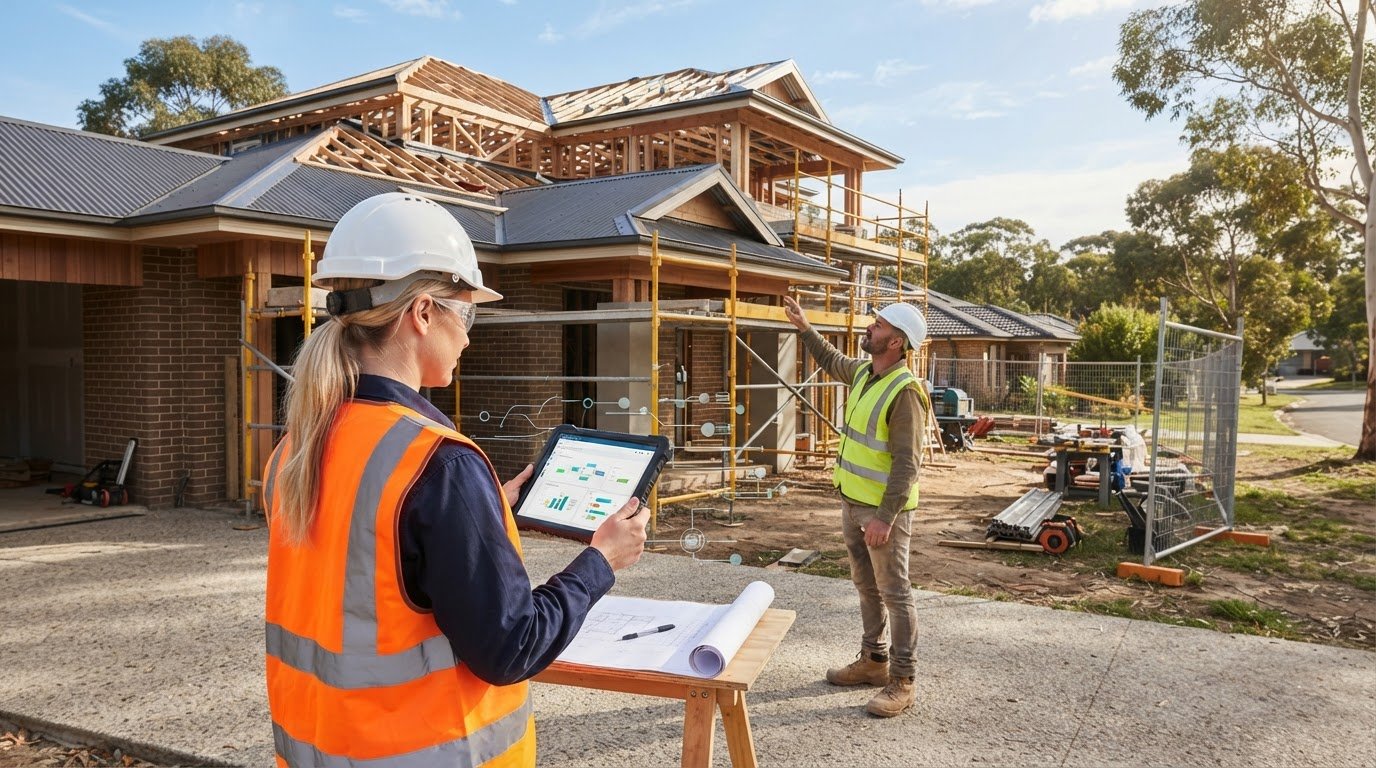
Could roofing work appear on track while a critical stage passes without a clear visual record? Remote teams need consistent views of the jobsite to spot questions early, coordinate follow-up and reduce the risk of avoidable delays or rework. Remote quality assurance construction cameras can extend that visibility, but footage is a review aid, not a substitute for physical inspection.
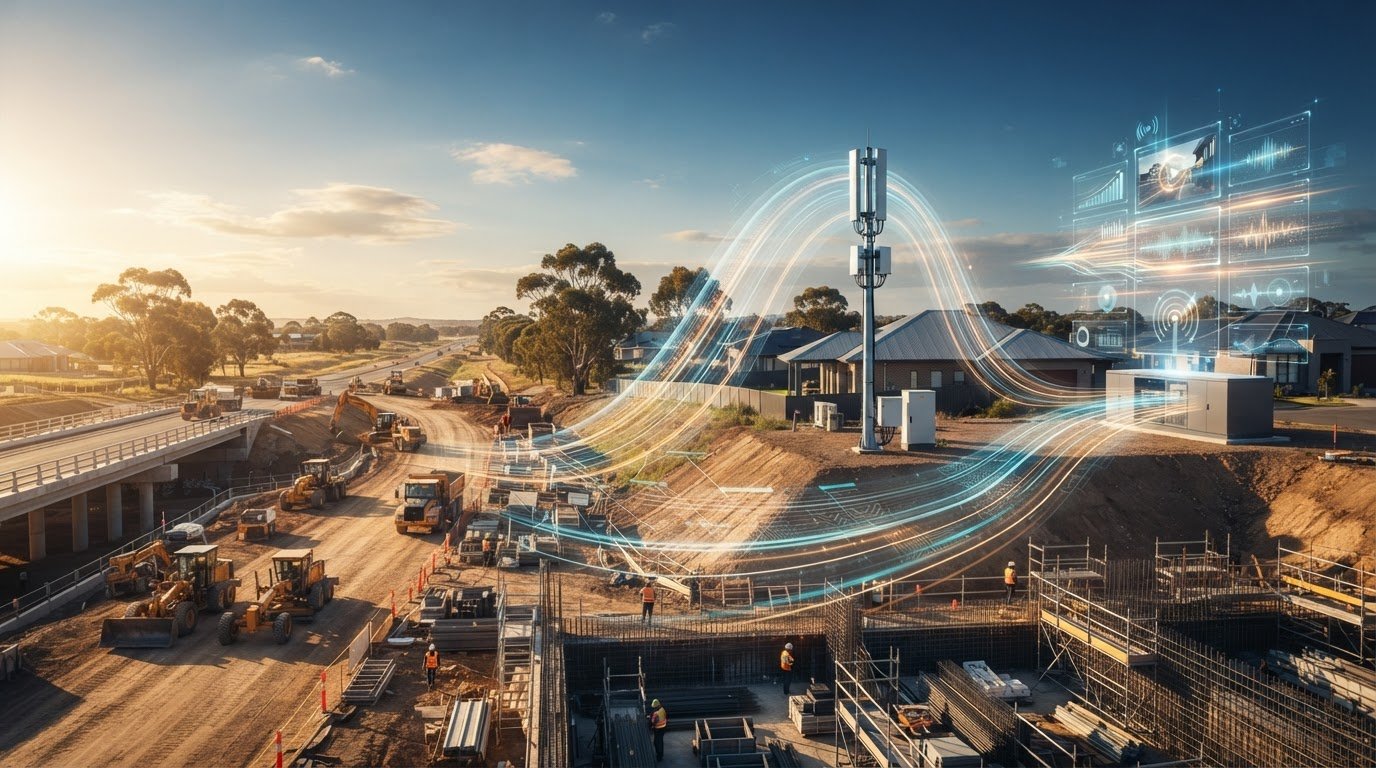
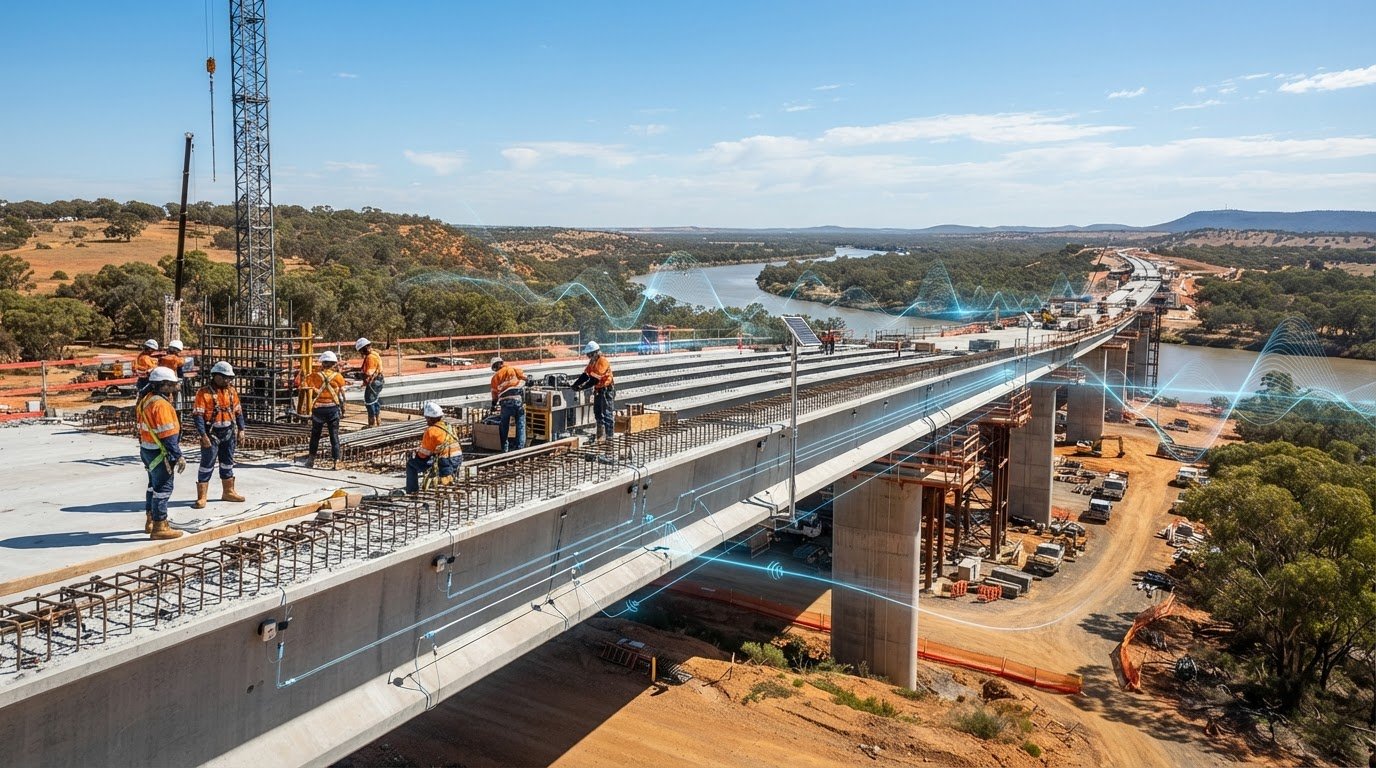
A hired solar-powered camera tower lets project teams view the site remotely through an app or web interface and revisit recorded activity with playback. The benefit comes from using those views with purpose: agree on what to review, when to check progress and how to document anything that needs attention.
This guide sets out a practical remote QA workflow for roofing work. You’ll learn how to establish useful visual checkpoints, share relevant views with off-site decision-makers and record questions for follow-up inspections. It also explains how camera-tower installation and ongoing support fit within a hire arrangement, so visibility can become part of the project’s working process without blurring the line between remote review and on-site verification.
Key Takeaways
- Use remote quality assurance construction cameras to review visible roofing progress from off-site while keeping physical inspections part of the QA process.
- Set camera review checkpoints around your project’s roofing sequence so the team knows which views to assess and when.
- Choose the right record for the question: camera footage shows activity over time, jobsite photos capture selected details, and physical inspections assess the work on site.
- Make each review actionable by recording the checkpoint, view, observation, responsible owner and next step.
- Hiring a solar-powered camera tower can extend site visibility, with installation, maintenance, technical support and cloud access included in Jobcam’s hire service.
How Construction Cameras Support Remote Quality Assurance on Roofing Projects
Remote quality assurance (QA) is the off-site review of visual records as part of a project’s quality process, alongside normal site inspections. It applies the principles of quality assurance to project oversight: review what can be observed, raise questions early and arrange appropriate follow-up. For roofing teams, hired solar-powered camera towers provide a continuing view of visible site activity. Live viewing and playback through an app or web interface let off-site stakeholders review available footage.
A consistent viewpoint makes visible change easier to recognise. Teams can compare footage at agreed project checkpoints and use playback to trace when a change appears in the recorded view. A practical remote quality assurance construction cameras workflow starts with a clear review question, such as whether visible work has progressed since the previous checkpoint. Any conclusion is limited to what the installed camera view actually shows.
A camera view supports QA review; it does not constitute formal inspection or acceptance.
Which roofing QA questions can a camera view help answer?
A camera view can help teams assess broad, visible progress between checkpoints. Reviewers might compare an area that appeared unchanged in an earlier view with the current view, or use playback to see when activity becomes visible. These observations can help the team decide what to discuss or examine next. They don’t establish why a change occurred or confirm the quality of work outside the view.
Keep each review tied to the camera’s actual viewpoint. If roof areas are obscured, distant or outside the frame, footage can’t answer questions about them. Jobcam’s construction site camera hire extends remote visibility for project teams. Useful QA still depends on directing observations to the right people for follow-up.
What fixed camera footage cannot verify on its own
A wide or distant view may not reveal small defects, concealed layers or material details. Even when activity is visible, footage alone can’t establish whether a method, component or finished detail meets project requirements. Observing progress is different from technical inspection, testing and sign-off.
Use unclear or concerning footage to frame a specific follow-up question, not to reach an unsupported conclusion. Record what appears visible, identify the area or checkpoint, and assign an in-person review where needed. The camera record helps coordinate attention, while inspection and acceptance remain grounded in the project’s normal QA process.
Set Up a Remote Roofing QA Workflow Around Camera Checkpoints
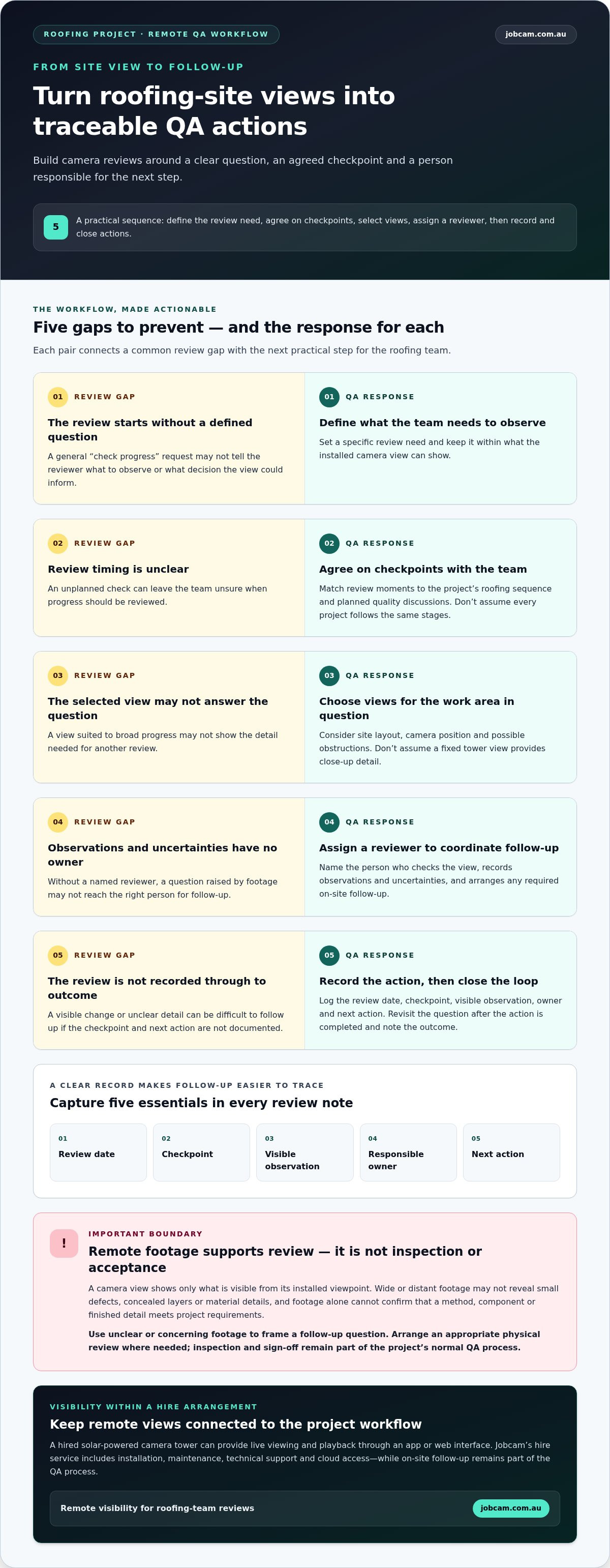
A useful camera review starts with a defined question, not a general check of the live view. Build checkpoints into the roofing team’s work sequence, then assign someone to record observations and coordinate follow-up. That makes remote quality assurance construction cameras part of a practical review process, rather than footage without a clear purpose.
- Define the review need. Identify what the team wants to observe and which decisions a visual review could inform. Keep the question within what a camera view can show.
- Agree on checkpoints. Match review moments to the project team’s roofing sequence and planned quality discussions. Don’t assume every project follows the same stages.
- Select relevant views. Consider the site layout and the work area linked to each review question. A viewpoint that helps track broad progress may not show the detail needed to answer another question.
- Assign a reviewer. Name the person responsible for checking the view, recording observations and uncertainties, and arranging any required on-site follow-up.
- Record and close actions. Document the review date, checkpoint, visible observation, owner and next action. Revisit the question after the action is completed and note the outcome.
Choose useful camera viewpoints and review moments
Viewpoint suitability depends on site conditions, the camera’s position and the question being reviewed. Consider which work areas should be visible and whether site activity or other obstructions could limit the view. Don’t assume a fixed tower view provides close-up detail. Jobcam’s remote monitoring cameras provide off-site access to live viewing and playback so distributed teams can review available site footage.
Keep each checkpoint tied to the roofing team’s actual plan. A review is more useful when everyone knows which area or visible change to look for, rather than relying on an undefined request to “check progress”.
Turn footage reviews into traceable QA actions
Record what the reviewer can observe, not what the footage can’t establish. If a detail is unclear, write a specific question and assign it to the appropriate person for on-site follow-up. Playback can add context by helping the team revisit when a visible change appears, but it doesn’t replace technical inspection or sign-off.
Keep safety and inspection procedures grounded in applicable Australian requirements and site processes. Use camera records to coordinate questions, then close the loop through the appropriate physical review.
Camera Footage, Jobsite Photos, and Inspections: What Each Can Establish
These records serve different purposes in roofing QA. Fixed camera footage provides broader visual context across recorded site activity. A jobsite photo captures a selected moment or detail. A physical inspection lets an appropriately qualified person assess the work directly. Used together, these records help teams distinguish what’s visible from what still needs closer review.
| Method | Viewpoint and context | Useful for review | Limitations |
|---|---|---|---|
| Fixed camera footage | A continuing view from the installed camera position, with playback of available footage. | Reviewing visible changes over time and giving off-site stakeholders a shared view of site activity. | View is limited by camera position, distance, obstructions and what appears in frame. It may not show fine details or concealed work. |
| Manually captured jobsite photos | A selected view taken by someone on site, potentially focused on a particular visible detail. | Documenting a specific area or condition for discussion and follow-up. | Shows a chosen moment and angle, not the surrounding activity over time. A photo alone may not provide enough context to assess the work. |
| Physical inspection | Direct, on-site assessment of the relevant work by an appropriately qualified person. | Assessing workmanship, details and conditions that need professional review. | Requires an on-site assessment; remote footage or photos cannot perform it or substitute for any required inspection. |
When fixed camera footage adds useful context
Playback can help reviewers revisit visible activity and compare what appears at different points in the project. That context gives off-site stakeholders a shared view for discussion and can help identify questions for the team, without establishing why a change occurred or who was responsible. Roofing technology platforms are also evolving; Roofing Contractor’s coverage of roofing technology platforms reflects the broader role of digital tools in project management and quality-control discussions.
For more on hiring camera systems to improve construction site visibility, see construction site cameras. Fixed views can complement remote quality assurance construction cameras workflows by adding continuity, while remaining limited to what the view shows.
When a jobsite photo or physical inspection is still needed
Use a jobsite photo when a specific visible detail needs focused documentation. If the question concerns workmanship, hidden layers, material details or compliance, arrange an appropriate on-site review by a qualified person. Neither a photo nor remote footage independently establishes cause, responsibility or acceptance. Treat them as records that support discussion and follow-up, not as a substitute for professional inspection.
Build a Roofing Camera Review Plan That Produces Actionable Records
A camera review helps the project only if the team can trace what was observed and what happened next. Use one simple record for each review, whether the footage shows visible progress or raises a question that needs on-site attention. This makes remote quality assurance construction cameras part of a repeatable QA process, without treating footage as a formal project record or inspection result.
Use this template for each checkpoint:
- Checkpoint: Name the project review point, aligned with the team’s roofing sequence.
- View reviewed: Identify the relevant camera view and area visible in it.
- Observation: Describe only what can be seen. If visibility is unclear, record that limitation.
- Owner: Assign the person responsible for responding or arranging review.
- Next step: Note the action, such as revisiting playback, requesting a focused jobsite photo or arranging an in-person inspection.
For example: “Checkpoint: team review; view: north roof area; observation: visible activity has changed since the previous review; owner: site supervisor; next step: confirm progress on site.” Keep the wording factual. Footage may add context, but it doesn’t establish cause, responsibility or acceptance.
Create a clear review and escalation rhythm
Set review timing around project decisions and the roofing team’s work sequence, rather than applying a universal schedule. Decide who reviews the footage and who can resolve technical roofing questions on site. If a view is unclear or an observation needs prompt attention, use the project’s established communication process to escalate it. Record who owns the follow-up and how the outcome will be noted.
Keep visual records useful to the project team
Use consistent project and checkpoint names across review notes so stakeholders can connect each record to the relevant area and discussion. Follow the project’s existing access and information-sharing practices, and share only the relevant view with people who need it for their role. Keep the review record in the project’s chosen documentation process, or look to intelligent automation providers like J3 Automated Systems to help align physical monitoring technology with broader business workflows.
Where a visual record over time supports project communication, construction time-lapse cameras provide another way to document project progress. Keep camera observations distinct from formal QA records, inspection findings and sign-off. That separation clarifies responsibilities and prevents a visual note from being mistaken for a technical conclusion.
For roofing projects where remote visibility can support a structured review plan, learn about solar-powered camera tower hire with Jobcam.
Use Solar Camera Tower Hire to Extend Remote Roofing Site Visibility
Roofing teams can use hired solar-powered camera towers to give off-site project stakeholders a view of visible site activity and a way to revisit available footage. This supports a structured review workflow: agree on what the team wants to see, set checkpoints around project decisions, then record observations and route questions for on-site follow-up. Remote quality assurance construction cameras extend visibility; they don’t replace physical inspection or establish workmanship acceptance.
Jobcam’s camera tower hire includes installation, maintenance and technical support. Cloud-based live viewing and video playback are available through an app and web interface. Telstra 4GX connectivity and AWS cloud storage support remote access to footage, which remains accessible if camera hardware is damaged or stolen.
Match the hire approach to project visibility needs
Start with the project layout and the areas stakeholders need to review. Consider how planned work and site conditions may change which views are useful, and connect each view to a defined QA question. A viewpoint suited to observing broad progress may not show the detail needed to resolve a specific workmanship concern. Keep the review scope grounded in what is visible.
Remote live viewing and playback help distributed project stakeholders review available site activity and share a common visual reference. Agree in advance who will review the footage, how observations will be recorded, and who will arrange an on-site check when the view is unclear. For broader considerations when hiring, see the construction camera hire information.
Move from remote visibility to a project-specific next step
Before deployment, align the intended use with the team’s workflow. Decide which roofing questions remote viewing may help surface, where checkpoints fit within the project sequence, and how follow-up inspections will be coordinated. As the site or work plan changes, review whether the agreed views and review questions still serve the project.
Jobcam provides solar-powered camera towers for hire, with installation and ongoing support as part of the service. The towers support site visibility and visual documentation; roofing assessment and acceptance remain with the project’s appropriate inspection and approval process.
To extend remote visibility on a roofing project, view Jobcam’s construction camera hire service.
Make Roofing QA More Visible, Without Losing the On-Site View
A practical remote QA process combines planned camera checkpoints, concise review notes and clear follow-up ownership. Remote quality assurance construction cameras can help off-site teams review visible roofing progress and revisit footage, while photos and physical inspections remain important for details a fixed view can’t establish.
Jobcam hires solar-powered camera towers to extend site visibility for project teams. Remote viewing and video playback are available through an app and web interface, with installation, maintenance and technical support included in the hire service. Used within a defined workflow, these capabilities help teams share relevant views and coordinate questions with the people responsible for on-site review.
Set checkpoints around the project’s roofing sequence, record what the view shows, and assign a next step whenever something needs closer attention. Explore Jobcam’s solar-powered camera tower hire to extend remote visibility and support a clearer visual review process for your project.
Frequently Asked Questions
Can construction cameras support remote quality assurance on roofing projects?
Yes. Remote quality assurance construction cameras can help off-site teams review visible roofing progress and revisit available footage between project checkpoints. Use them to identify changes or questions that need follow-up, not to determine whether concealed or fine-detail work meets requirements. A reviewer should record what’s visible, note any uncertainty and assign the right person to arrange an on-site check when needed.
Can a camera tower replace an on-site roofing inspection?
No. A camera tower provides a remote view of activity within its field of view, but it can’t replace an on-site roofing inspection. Footage may not show close-up details, concealed layers or areas obscured from view. Use it to support coordination and flag questions. Assessment of workmanship, testing and acceptance should remain with the appropriate project inspection and approval processes.
What can remote camera footage show during roofing work?
Footage can show visible site activity and changes within the installed camera’s viewpoint. Reviewers may use playback to add context about when a visible change appears to have occurred, or compare views from different project checkpoints. What it shows depends on the camera position, site conditions and any obstructions. It can’t establish the cause of a change or verify details outside the frame.
Are jobsite photos or camera footage better for roofing QA?
Neither is universally better. Fixed camera footage can provide broader context across available recorded activity, while a jobsite photo can focus on a selected visible detail at a particular moment. Both have limits: the view may omit important context or detail. Use the record that suits the question, and arrange a physical inspection when workmanship, hidden layers or technical requirements need assessment.
How do teams use camera footage to document roofing progress?
Teams can review footage at checkpoints aligned with their project sequence, then record the date, view reviewed, visible observation, responsible person and next action. Playback may help clarify the context around a visible change. Keep notes factual and identify areas that can’t be assessed from the view. This creates a useful coordination record, but it doesn’t replace formal project documentation, inspection findings or sign-off.
Can solar-powered camera towers provide remote access on a construction site?
Yes. Jobcam hires solar-powered camera towers with remote live viewing and video playback available through an app and web interface. Telstra 4GX connectivity and AWS cloud storage support remote access to footage, which remains accessible if camera hardware is damaged or stolen. Teams can use these views to share site visibility with off-site stakeholders, while recognising that what they can assess depends on the available view and project conditions. Footage remains a visual review aid, not an inspection.
How should a team handle a possible roofing issue seen in camera footage?
Record the checkpoint, view, date and what appears visible, then flag uncertainty instead of drawing a firm conclusion from the footage. Assign an owner to follow up through the project’s established communication process. If the concern involves a detail the camera can’t resolve, arrange an appropriate on-site review by a qualified person. Document the follow-up and outcome in the project’s normal QA records.